
Screen Recording & Footage Capture
Recorded crisp, high-resolution footage of the E-WHSMS dashboard in real-time.
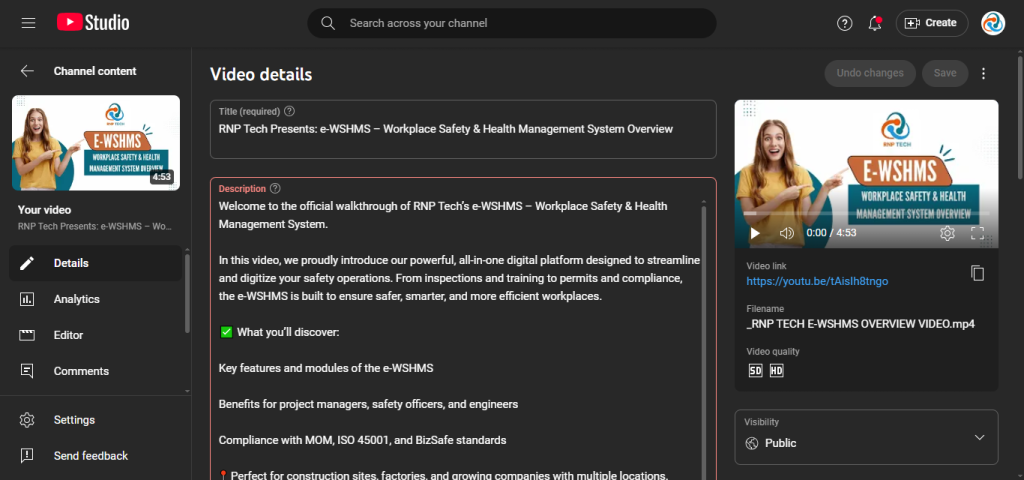
Creating videos that educate and empower users is a key part of digital communication. In this project, I worked with my current company, RNP Tech, to produce a complete feature walkthrough video of the E-WHSMS Dashboard Module — one of the most crucial components in the company’s Workplace Safety & Health Management System.
Let’s take you through the entire process — from planning to publishing — and how this video came to life.
Before I opened my editing software, I made sure we had clarity, structure, and strategy:
The purpose of the video was to explain the Dashboard Module in simple terms — helping both internal users and external clients understand its full capabilities.
I drafted a clean step-by-step visual guide to map out every section of the dashboard — prioritizing what users need to see first.
Ensured the visuals and animations would match RNP Tech’s brand tone and be easy to follow, especially for non-tech users.
Pulled screen recordings, app previews, icon packs, and font styles in advance to maintain consistency.
With everything prepped, I jumped into the actual creation process:
Recorded crisp, high-resolution footage of the E-WHSMS dashboard in real-time.
Added zooms, pointer highlights, and animated transitions to guide viewer attention to the right sections of the UI.
Designed subtle yet bold text overlays to label each feature being explained.
Balanced background music (if used) with any explanatory voiceover or captions for clarity.
After production, I completed a quality check and finalized the video in multiple formats:
The final walkthrough video was delivered in MP4 format, optimized for YouTube, internal LMS platforms, and smooth playback across all devices.
Created a custom thumbnail and provided an SEO-friendly title and description to help improve YouTube visibility and boost search performance.
Integrated clickable timestamps so viewers can easily skip to key features—great for product demos or quick reference.
Included a simple documentation guide showing how to reuse, embed, and share the video internally across tools and platforms with minimal tech effort.
If you want to break down complex digital tools into simple, professional visual content — I can help you do just that. Whether it's for a product walkthrough, onboarding module, explainer, or internal training — you’ll get full production from concept to completion.